Accessing Ramsys Central
Accessing Ramsys Central
Ramsys Central is a cloud-based application that can be accessed from virtually any modern device, including Windows, macOS, Linux, Android, iPhone and iPad. As it runs entirely within your web browser, there is no software to install or maintain.
Desktop and Laptop Computers
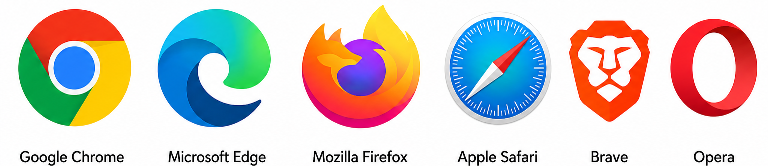
- Open your preferred web browser (Chrome, Edge, Firefox, Brave, Opera or Safari are recommended).
- Navigate to ramsys.app.
- Enter your Ramsys Central username and password.
- Click Login to access the system.
For the best experience, you may wish to bookmark the page or create a desktop shortcut for quick access in the future.
Mobile Phones and Tablets
Open your preferred mobile browser and browse to ramsys.app, then log in using your normal Ramsys Central credentials.
When Ramsys Central detects that it is running on a phone, it automatically switches to Portal Mode. Portal Mode is a streamlined version of the application that has been specifically designed for smaller screens. It provides quick access to reporting while maintaining excellent performance and usability on mobile devices.
This allows you to securely monitor your business, review sales, view reports and access key management information from virtually anywhere with an internet connection.
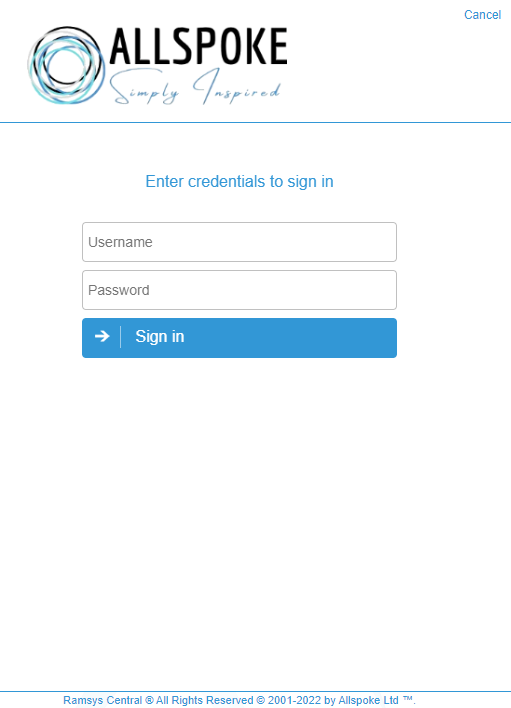
Access Ramsys Central navigate to https://ramsys.app
(the 'https://' should be optional on most browsers meaning 'ramsys.app' should work).
To login you must have been setup. Ramsys sits behind a strict, secure firewall and there are multiple steps of authentication which occur in the background to keep your data safe.
Please contact us to set yourself up.
To login, simply enter your credentials in the login screen.